Showing posts with label Mediator. Show all posts

Saturday, 11 February 2017

Mediator - Dynamic Routing Using Business Rules

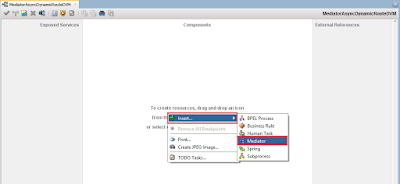
Drag drop mediator component into components panel


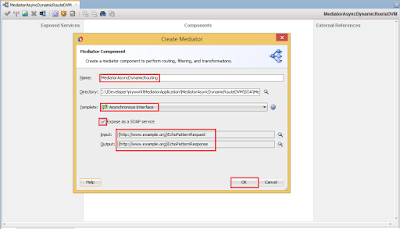
Select Template as Asynchronous (Dynamic routing will be possible with Asynchronous process only) and browse schema request and response for Input and Output


It is visible as below


Drag drop SOAP Adapter into External reference and copy paste WSDL URL.


Wire Component and Reference Adapter


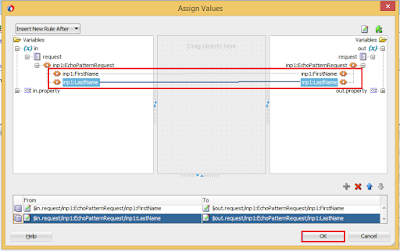
Double Click on Mediator, Select Assign and Map the fields


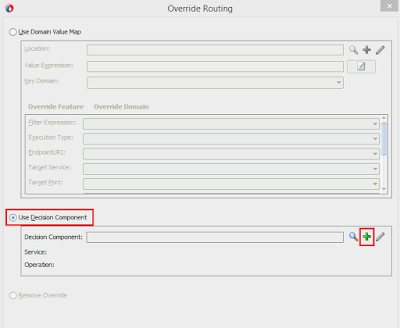
Click on Override Using option


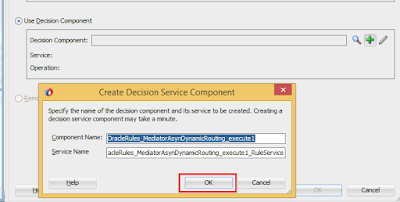
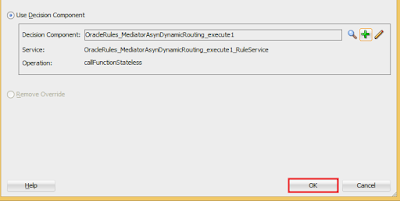
Select "Use Decision Component" option and click on "+"


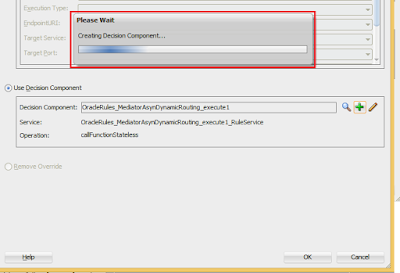
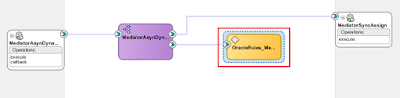
Business Rules Component has been created successfully as below


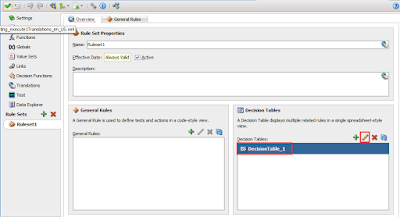
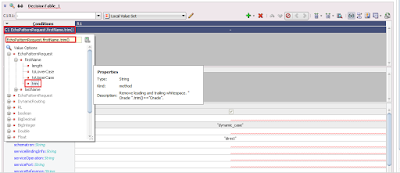
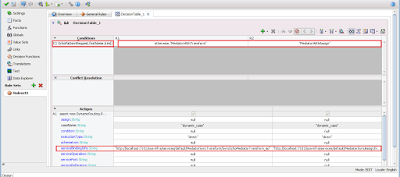
Edit "DecisionTable"


Test Case 1:

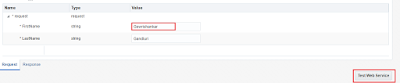
Input


Output


Test Case 2:

Input


Output


Test Case 3:

Input


Output


Thank You!!!!


Happy Learning!!!!

Mediator - Dynamic Routing Using DVM

Drag drop mediator component into components panel


Select Template as Asynchronous (Dynamic routing will be possible with Asynchronous process only) and browse schema request and response for Input and Output


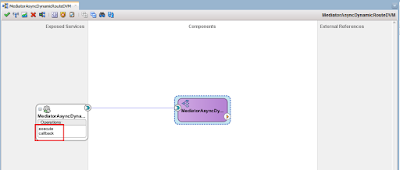
It is visible as below


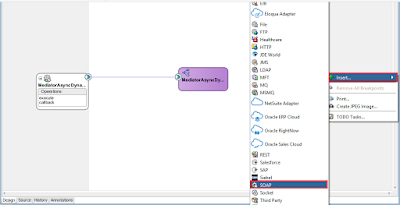
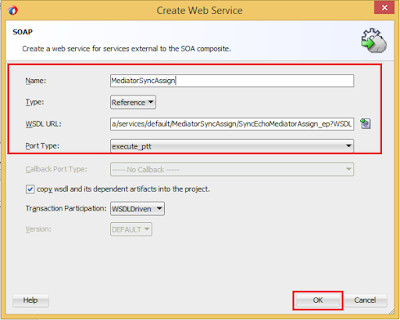
Drag drop SOAP Adapter into External reference and copy paste WSDL URL.


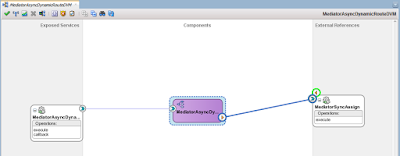
Wire Component and Reference Adapter


Double Click on Mediator, Select Assign and Map the fields
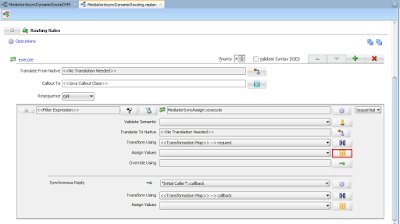


Click on Override Using option
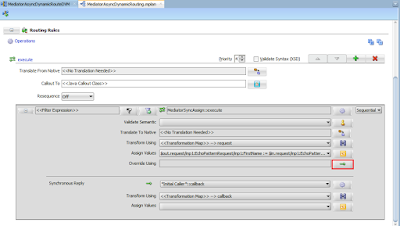


Select "Use Domain Value Map" option and click on "+" to create dvm


DVM file has been created


Browse for the Input value in the expression which will be the Key Value of DVM.


Change all the values of drop down's in the below to "<<Not Overridden>>" Expect "EndpointURI" as we are performing Dynamic Routing.


Add Key Value pair in the DVM as below


Test Case 1:

Input


Output


Test Case 2:

Input:


Output:


Thank You!!!!


Happy Learning!!!!

Friday, 10 February 2017

Mediator - Concatenation Example using Transformation or Assign


Drag drop mediator component into components panel


Select Template as Synchronous, browse the schema request and response for Input and Output


It is visible as below


Double click on the mediator,click on "+" icon. As this is synchronous process we can create only static routing.


Select Target Type as "Echo Reply"


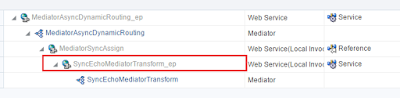
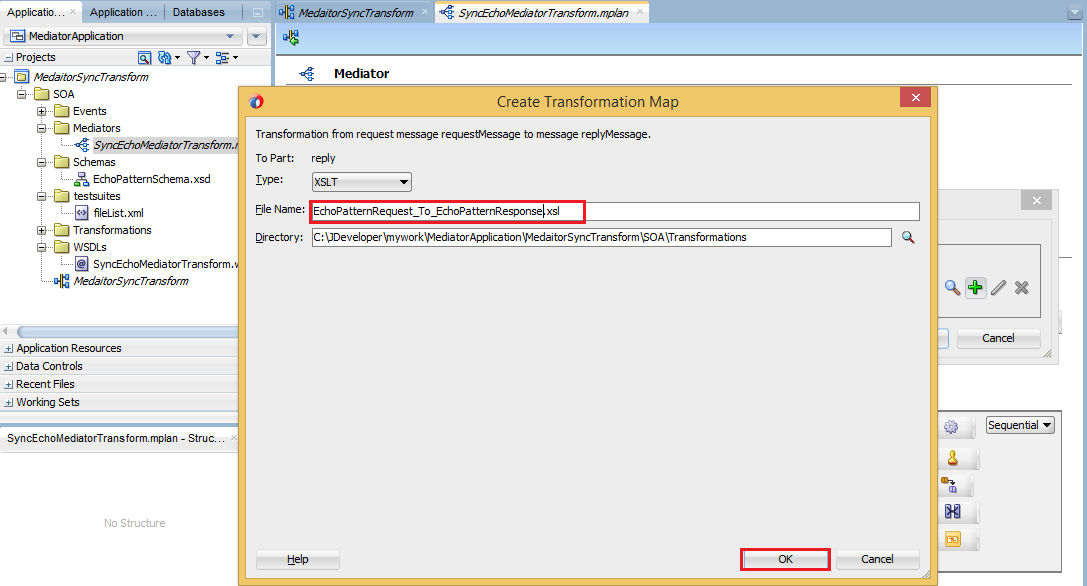
Create Concatenation using Transformation as below


Concatenating FirstName, LastName with space("") in between and creating FullName as below


OR

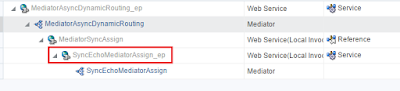
Creating Concatenation using Assign as below


Testing:

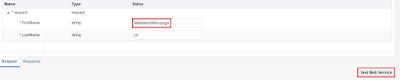
Request


Response


Using filter condition in mediator as below


Testing:

Input


Output:


Thank You!!!!


Happy Learning!!!!